
Scrum or Kanban: Which Should a Small Team Use?
Choose Kanban if work arrives continuously and priorities change week to week: support requests, content, client jobs. Choose Scrum if you can plan work in batches and want a steady rhythm with clear answers to "when will this be done?". Many small teams start with Kanban and add short sprints once they want more predictable delivery.
The difference in one minute
- Kanban is a board with columns (To do, In progress, Done). Work flows across it one item at a time. You limit how much is in progress at once, and you can change priorities any day.
- Scrum works in sprints, usually one or two weeks. At the start you choose what goes in; at the end you review what was finished. Changes wait for the next sprint unless they are urgent.
Which suits you
| If your team… | Try |
|---|---|
| Handles requests as they come in | Kanban |
| Has a backlog of planned features or deliverables | Scrum |
| Is one or two people | Kanban, or a simple list |
| Gets asked "when will it be ready?" a lot | Scrum, for its rhythm and burndown |
| Finds meetings heavy | Kanban, or Scrum with a short weekly planning only |
You do not need every ceremony to get the benefit. A small team can run Scrum with one 30-minute planning session a week and a quick look at the board each morning.
Examples by team
- A two-person design studio handling client requests as they come: Kanban, with columns To do, Doing, With client, Done, and a rule of no more than two items each in Doing.
- A five-person software team building features for a launch: Scrum with one-week sprints, a backlog in priority order, and a burndown to see whether the sprint is on track.
- A marketing team with a content calendar and ad-hoc requests: Kanban for the requests, and short sprints for campaign launches.
- A contractor running jobs: a simple list or Kanban per job, with stages such as Quoted, Scheduled, In progress, Snagging, Invoiced.
Setting up Kanban in an afternoon
- Columns that match your real steps: To do, In progress, Review, Done.
- A limit on In progress, for example two per person. When the column is full, finish something before starting something new.
- One card per piece of work, small enough to finish in a day or two.
- A weekly tidy: archive what is done, re-order what is next.
Setting up Scrum in an afternoon
- A backlog: everything you might do, in priority order.
- A sprint length: one week to start.
- Planning: choose the top items you can finish this sprint, and agree one goal.
- A short daily look at the board, and a review at the end.
Common mistakes
- Copying a big-company process with every meeting. Keep what helps, drop what does not.
- A board with fifteen columns. If nobody can remember what a column means, merge it.
- Never finishing. Starting new work is easier than finishing; limits on work in progress fix this.
- Treating the board as a report that one person updates. Everyone moves their own cards.
Measures that tell you it is working
- Cycle time (Kanban): how long a piece of work takes from started to done. If it is getting shorter, flow is improving.
- Throughput (Kanban): how many items you finish a week. Steady throughput makes dates predictable.
- Burndown (Scrum): work left in the sprint against days left. A line that falls steadily means the sprint was planned well.
- Velocity (Scrum): how much the team finishes per sprint, averaged over a few sprints. Use it to plan, never to compare people.
Look at one or two of these once a fortnight. If none of them improves after a month, change one thing about how you work and look again.
Running both on one team
Nothing stops one team from running a Kanban board for requests and sprints for planned work, as long as everyone knows which board a piece of work belongs on and who decides when something jumps from one to the other.
A worked example
A four-person agency builds websites and handles client change requests. They try Scrum with two-week sprints, but urgent client changes keep breaking the plan, and planning meetings feel long.
They switch to two boards. Client requests go on a Kanban board with a limit of three items in progress; anything urgent jumps the queue openly. New website builds run in one-week sprints with a 30-minute planning session on Mondays. After a month, client requests are answered faster, and builds finish on the dates they promised, because the sprint work is no longer interrupted.
The lesson: the method should match the kind of work, and one team can use both.
Quick checklist
- Decide whether your work is mostly continuous requests or planned batches
- Set columns that match your real steps
- Limit how much is in progress at once
- If using sprints, start with one week
- Review the process after a month and adjust
Key terms
- Scrum: a way of working in short, fixed periods called sprints, with planning at the start and a review at the end.
- Kanban: a way of working where tasks flow across a board continuously, with limits on how much is in progress.
- Sprint: a fixed period, usually one or two weeks, in which the team aims to finish a chosen set of work.
- Backlog: the list of work not yet started, in priority order.
- Work-in-progress limit: the maximum number of items allowed in a column at once.
How to do it in Spotbookr
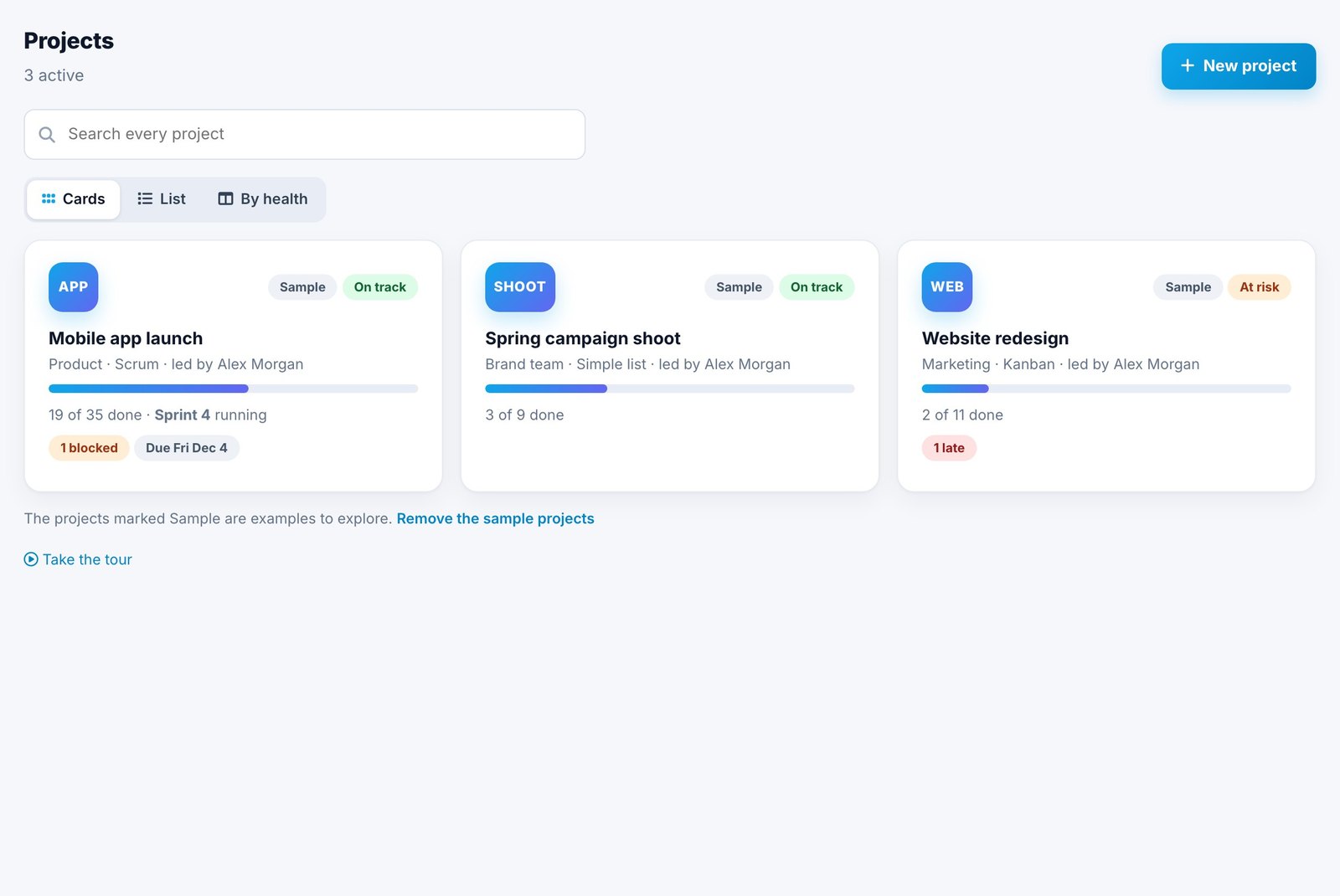
In Spotbookr Project Management, each project starts from a template: Scrum (sprints and a backlog), Kanban (a flowing board) or Simple list. You can run different projects different ways.
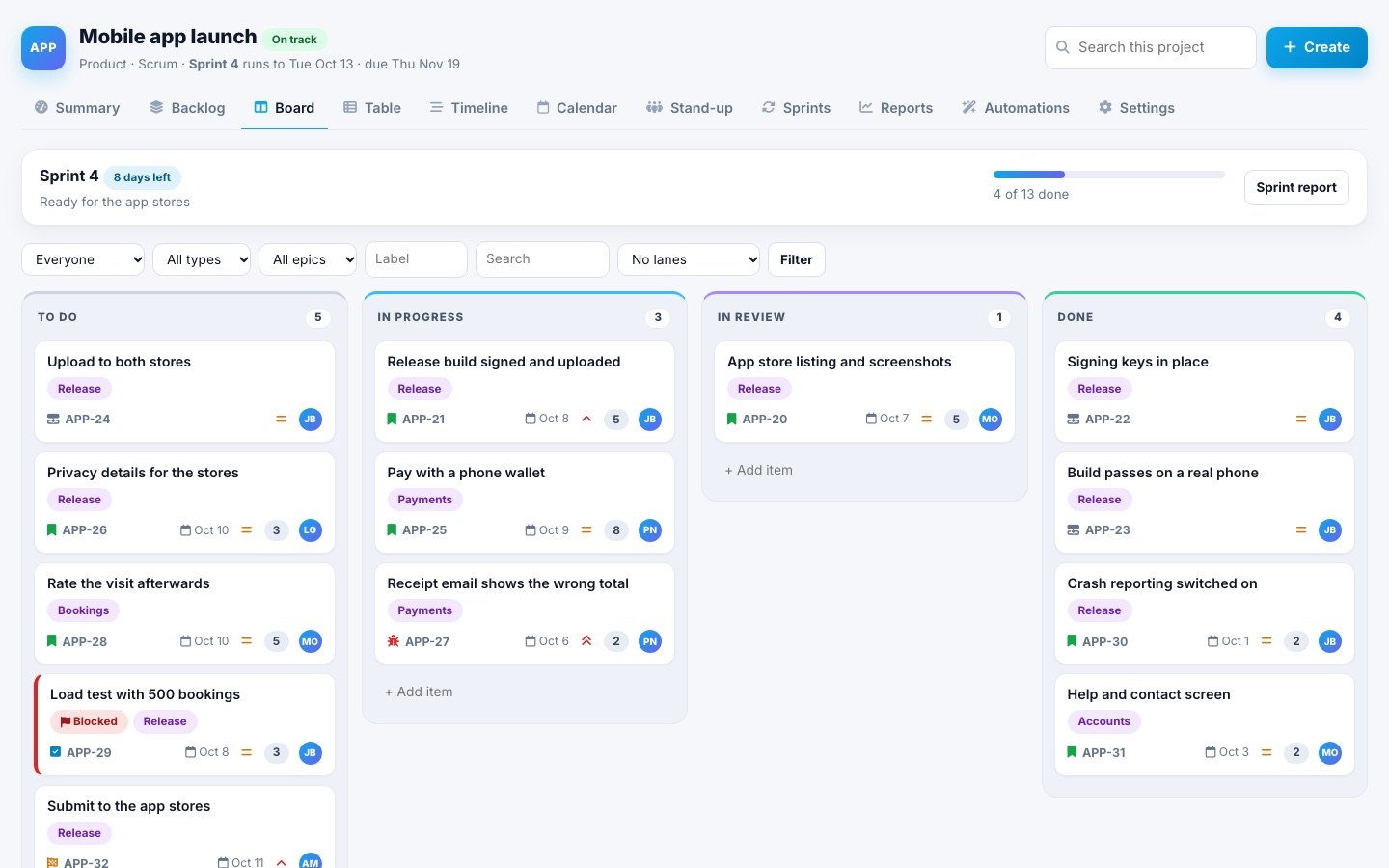
The board shows cards in columns that you drag across. Lanes can group by person, epic or priority.
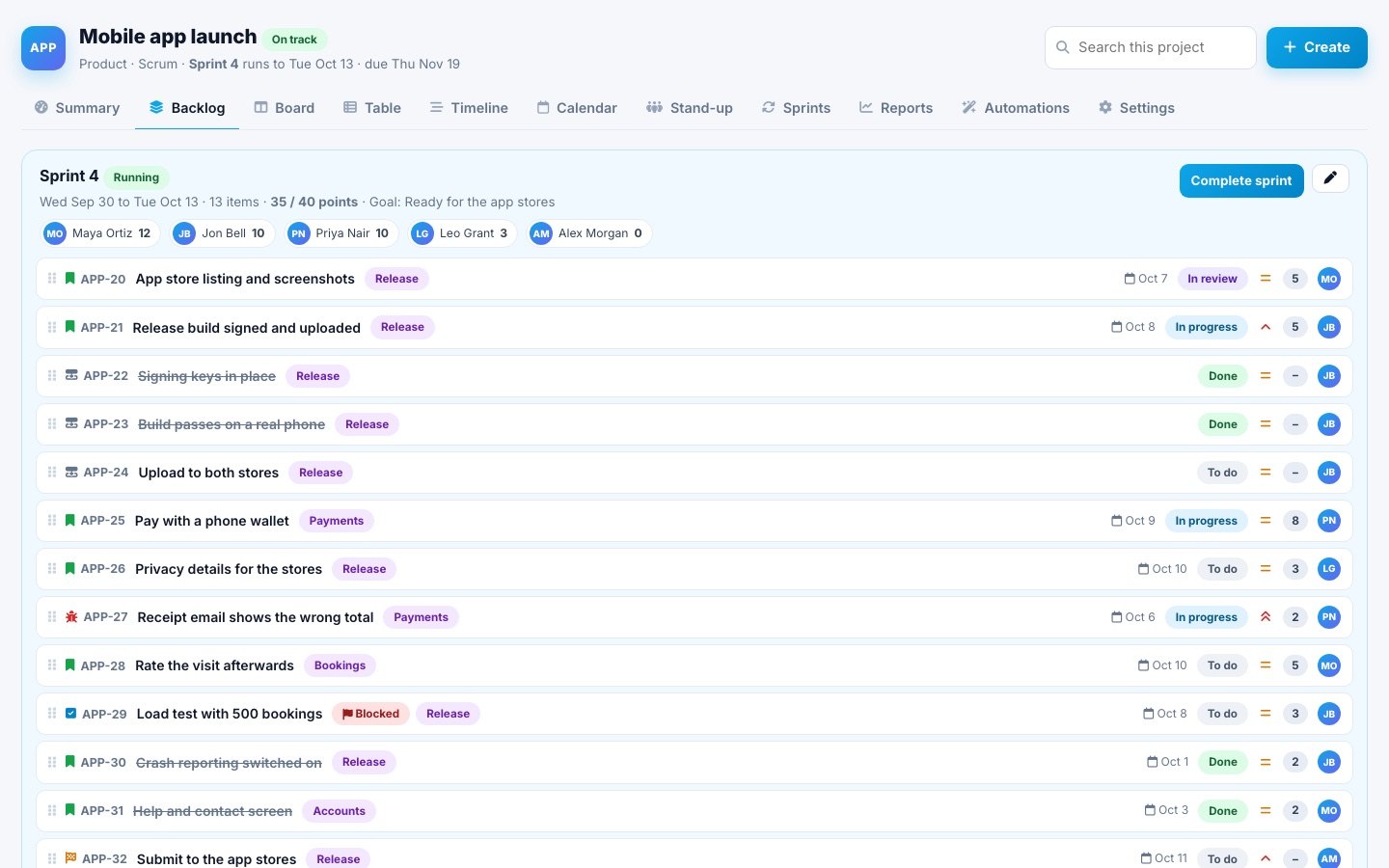
On a Scrum project, the backlog holds everything not yet in a sprint, in priority order, and the sprint shows its own progress.
Related questions
Can you mix Scrum and Kanban?
Yes. Many teams use a Kanban-style board inside one-week sprints. Use what keeps work moving; the labels matter less than the habits.
How long should a sprint be for a small team?
One week is a good start: short enough to adjust quickly, long enough to finish something meaningful. Move to two weeks if planning every week feels rushed.
Do I need a Scrum master?
Not on a small team. Someone needs to run planning and keep the board honest, and that can rotate.
Is Kanban or Scrum better for a team of one?
Kanban, or a simple list. Sprints are useful mainly for coordinating several people and making delivery predictable.
What tools do I need to run Scrum or Kanban?
A shared board that everyone can update. Sticky notes on a wall work for a team in one room; an online board works for everyone else and keeps history.
What is a work-in-progress limit?
A cap on how many items can be in a column at once, such as three in "In progress". It makes the team finish work before starting more.
How do I move from Kanban to Scrum later?
Turn your To do column into a backlog in priority order, choose a sprint length, and start planning from the top of it. Your existing cards carry over.
The Help Center explains each view: Projects and work items. You can also try Spotbookr with sample data.